


If you use AirPods (or any Bluetooth headphones) with an iPhone, you may have this annoying problem. you’re listening to a podcast or music, and your audio quickly switches from your AirPods to a Bluetooth speaker or car stereo nearby. This can happen when you get into a car or when a speaker links close instantly. There is no notice when the music starts switching. It can be pretty awkward if someone suddenly plays your private music on a car radio.
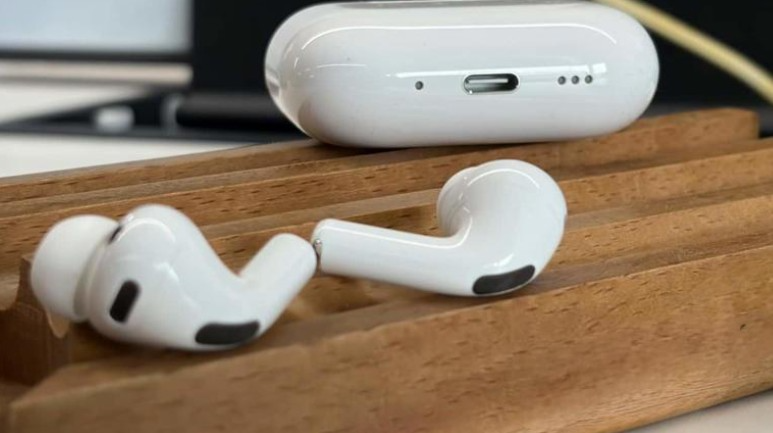
Users have been annoyed by that strange auto-switch for years because the iPhone picking up another Bluetooth device instantly changes your listening choice.
What changes are there in iOS 26?
With iOS 26, Apple has quietly added a new setting called “Keep Audio with Headphones.” You can use this option to keep your iPhone playing sound through your headphones (AirPods or other Bluetooth headphones) even if the car radio, a speaker, or another Bluetooth device connects to your phone.
That is, when you turn this setting on, your music, podcast, or call stays in your AirPods. It won’t instantly connect to a random Bluetooth speaker or the car’s audio system. This lets you choose where your music plays. The option is off by default, since some people might want to keep the old setting (automatic speaker connection).
Read also:
How to turn on “Keep Audio with Headphones.”
If you have iOS 26 and want to try this fix, here is how to turn it on:
- Go to your iPhone’s Settings.
- Head to General.
- Look for AirPlay and Continuity.
- Find “Keep Audio with Headphones” and switch it to ON.
When your audio is on, it stays in your AirPods or headphones until you turn it off. This won’t change even if a car or speaker joins.
Why people enjoy it and why it is important
This little change fixes a common problem. You won’t have to worry about music suddenly playing loudly from the car radio every time you get into a car. You won’t have to worry about accidentally sharing your private listening with people around you anymore. It gives people more power over their privacy.
This is a relief for people who use AirPods regularly, especially those who frequently connect them to cars or multiple Bluetooth devices at once. You keep your listening private and in your control.
To sum up, the “Keep Audio with Headphones” feature in iOS 26 is simple but useful, and it can solve a problem that has long bothered people who use wireless headphones with their iPhones.
