


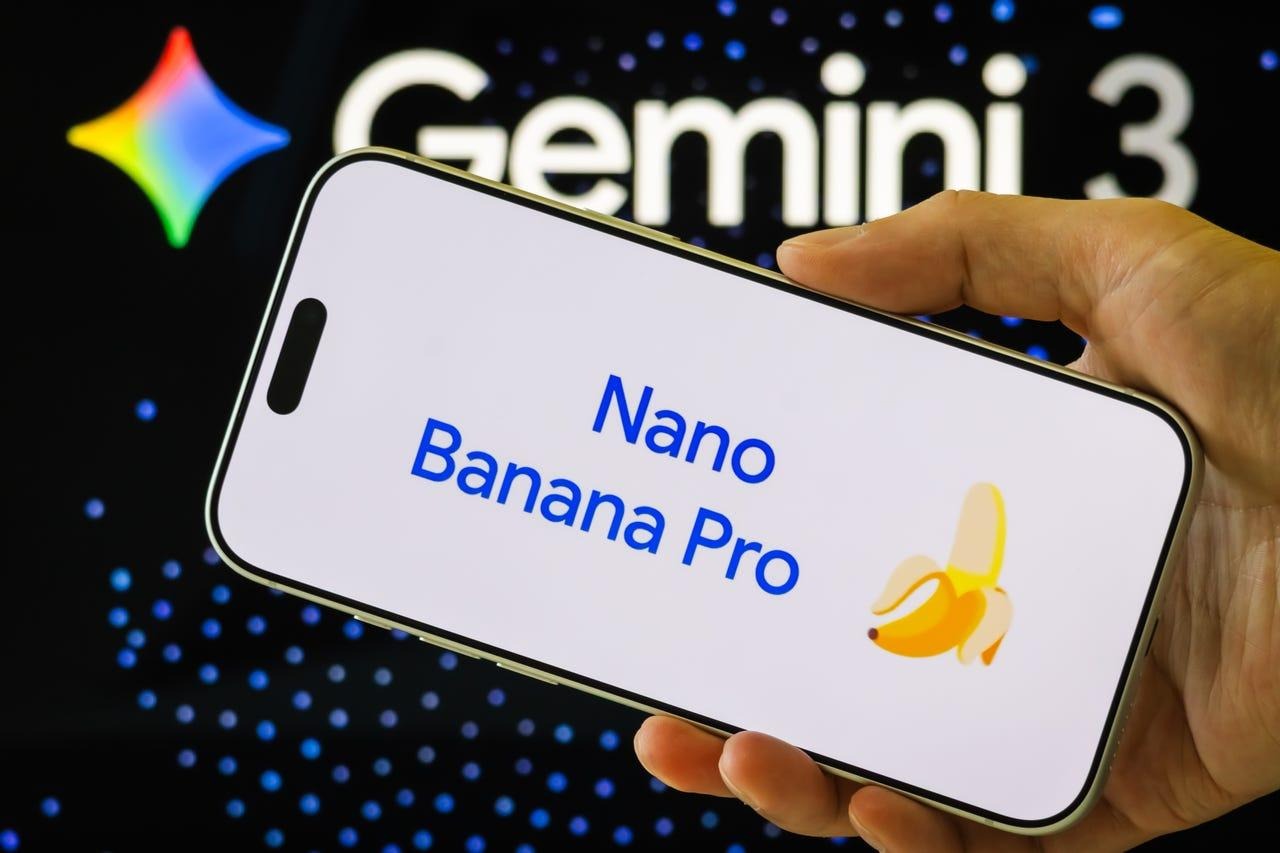
The first thing Google released was the Gemini 3 AI Model. Now the company is giving us the Nano Banana Pro picture editor. The first version of Nano Banana has been a big hit; Google says that over 500 million pictures have been made or changed with it. In fact, Nano Banana was number one in India, and pictures of it dressed in retro clothes were going viral.
Here’s what the Pro version of the AI picture tool has to offer: new features, more power, and better editing tools. Google said Gemini 3 has better logic and more accurate text rendering.
Gemini 3 Introduces Nano Banana Pro AI Image Tool
Since Nano Banana Pro is stronger, you can make pictures with 2K or even 4K quality. You can change more than just the colors and text in a picture. You can also change the camera angle and shift the focus. Basically, what you’d expect from a common writing app.
Nano Banana Pro can now be used by pros as a reliable editing tool. They can use it to make signs and other text-heavy visual content, just like Canva and other platforms.
The new picture tool also works with live data from Google Search, so you can create new graphics, slideshows, and more engaging content. So you thought that was the end of the list? Nano Banana Pro also lets you mix up to six photos into one piece, which is useful for students working on projects.
How to Use Nano Banana Pro
Nano Banana Pro is already out there as part of this month’s update to Gemini 3, and you can get to it through the mobile app:
- Run the Gemini app on your phone.
- Choose to Think
- To use the new version, click on Nano Banana Pro.
- To show what it can do, the AI photography tool will make a trial picture.
NotebookLM, Google Workspace, the Flow AI video tool, and the Search AI mode for Gemini Pro and Ultra users are all other places where Nano Banana Pro can be used.
This month, Google also changed the models that make pictures and videos for the Gemini app. New picture creator Nano Banana Pro (Gemini 3 Pro picture) takes the place of Nano Banana (Gemini 2.5 Flash Image) in the Gemini app, at least for now. People who use Google AI for free get a few generations before the model goes back to Nano Banana. People who pay for Google AI Plus, Pro, or Ultra get higher rate limits.
As of now, Veo 3.1 is the standard model for making movies, and it now supports the Ingredients to Video tool, which was first offered in Flow. It lets users post three pictures that will be used as guides for a video prompt. The goal is to reduce the length of the prompts needed to create a desired video. It’s clear that the new “My Stuff” area of the Gemini app is part of a push to make more video, since Nano Banana Pro and Veo 3.1 Ingredients for Video were both added.
What is next for Gemini?
Google released a lot of Gemini features in November, and the fact that they were all put together in a November Gemini Drop makes me think we’ve already seen the best improvements for the month. Still, there’s a lot to look forward to.
The company is currently using Gemini 3 Deep Think for safety. This is an even better AI model that will be available to Google AI Ultra users in a few weeks. Besides the Gemini 3 Pro, Google also said that more models will be coming out “soon” to join it in test. It’s possible that a light model, like Gemini 3 Flash or a similar model, will replace or supplement Gemini 2.5 Flash for simple questions.
Google might also let more people use restricted tools in the future, like Gemini Agent. We won’t know until the December Gemini Drop.
