


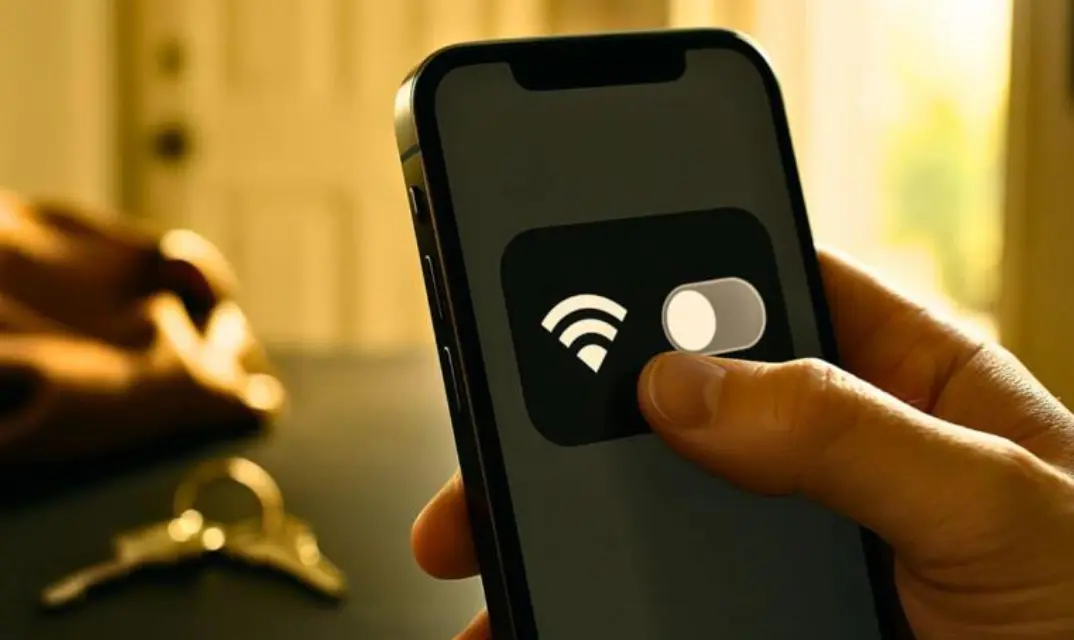
There is usually an everyday routine for walking out the door: phone, bag, cash, and keys. But one small thing is rarely done: turning off the phone’s wifi. Leaving it on may seem safe, but cybersecurity experts say it creates an exposure window that puts personal data, location information, and device security at risk as soon as the user steps outside their home network.
These days, smartphones are always looking for access points in the world around them. They do this by quietly sending out probe requests designed to find known networks. When people aren’t aware, this automatic action can show device connection records and specific device IDs. Attackers can use this to track movement or force devices to connect to harmful networks.
These days, smartphones are used to access bank accounts, login codes, personal texts, medical data, and work-related information. This means that problems with your phone can cause big issues in your life.
The public Wi-Fi network has grown quickly, making free Wi-Fi the norm rather than the exception. But this growth has happened faster than people have learnt about it, and security measures have been put in place, putting millions of people at risk every day. Cybersecurity professionals warn that hackers don’t need advanced tools to get into personal devices anymore; they just take advantage of everyday activities.
Public wifi Hotspots Are Turning into a Global Security Problem
Research shows that public hotspots are a major hacking risk. The paper “On Privacy Risks of Public wifi Captive Portals,” which is often cited in other works, examined 67 real-world login systems. The study found that these systems included extensive tracking tools, such as persistent third-party tracking cookies and browser fingerprinting, that enabled long-term surveillance of users even before they had given their consent.
More studies in The Rise of Public Wi-Fi and Threats showed how attackers use simple screening tools that anyone with basic technical know-how can use to capture traffic on insecure hotspots, steal login information, and spread malware. The results showed that open public networks remain among the easiest and most common ways for criminals to take over accounts and steal identities.
Even networks with passwords aren’t really safe. A 2024 technical report showed that attackers could exploit a side-channel flaw to take over protected TCP sessions on standard Wi-Fi setups. This indicates that using shared passwords and WPA does not eliminate all the risk.
The cybersecurity field also warns about “evil twin” hotspots, which are fake access points that mimic real networks, such as Wi-Fi at a café or the airport. These can fool devices into connecting automatically and can see data that isn’t protected.
Keeping wifi on creates a silent exposure window
When a smartphone with wifi turned on receives background data, it hasn’t even linked to a network. These tools display previously known data, such as MAC addresses and network names. This data can be used to track people or create profiles of their identities. Attackers who have stolen network names often use this data to automatically connect to devices, without the user having to do anything.
Public wifi Hotspots Are Turning into a Global Security Problem
Research shows that public hotspots are a major hacking risk. The paper “On Privacy Risks of Public wifi Captive Portals,” which is often cited in other works, looked at 67 different login systems used in the real world. The study found that these systems included extensive tracking tools, such as persistent third-party tracking cookies and browser fingerprinting, that enabled long-term surveillance of users even before they had given their consent.
More studies put out in The Rise of Public wifi and Threats showed how attackers use simple screening tools that anyone with basic technical know-how can use to capture traffic on insecure hotspots, steal login information, and spread malware. The results showed that open public networks remain among the easiest and most common ways for criminals to take over accounts and steal identities.
Behaviour-based studies back this worry. A peer-reviewed study titled Blind-trust: Raising knowledge of the dangers of using Public wifi found that people often use shared networks even though they know there are security risks, particularly when it is easier to join than to stay safe.
This makes an ideal storm: expected behaviour, automatic device contact, and a larger attack area.
What Cybersecurity Experts Suggest These Days
Digital security experts say you should turn off your Wi-Fi when you leave the house and only turn it back on when you join a secure network yourself. This one action stops probe broadcasts, network data exposure, and efforts to rejoin without consent.
Here are some safety techniques that are often suggested:
If you are doing something private, don’t use public networks; use mobile internet or a personal hotspot instead.
- Disable automatic network settings.
- When using public Wi-Fi, make sure to use a VPN to protect your data.
- Do not type passwords or bank information on networks that other people can use.
- When fixes and security patches are available, install them right away.
Since there are no global norms for infrastructure, experts are increasingly saying that wifi control is a personal duty.
The Bigger Issues Behind a Simple Switch
These days, mobile devices are the main way people identify themselves. They power digital funds, job verification, electronic health services, and safe access to government services. A tainted session is no longer a danger limited to casual viewing; it can take down entire digital ecosystems, including payment systems, online work accounts, and fingerprint security layers.
Public wifi used to be a sign of how easy it was to meet with people. Today, it is one of the best routes for hacking, spying, and stealing data. It may seem like a small thing to turn off wifi when going outside, but it is still one of the best ways for regular people to protect themselves.
It’s still unclear whether system-level safeguards and general understanding will change quickly enough. One thing is sure, you are safer online when you choose your network link deliberately, rather than letting your phone do it for you.
